How to play The Olde World: Online
The guide the game opens from its ? button: the controls and the screen, then skills, fighting, dying, making things, houses, groups and the alpha.
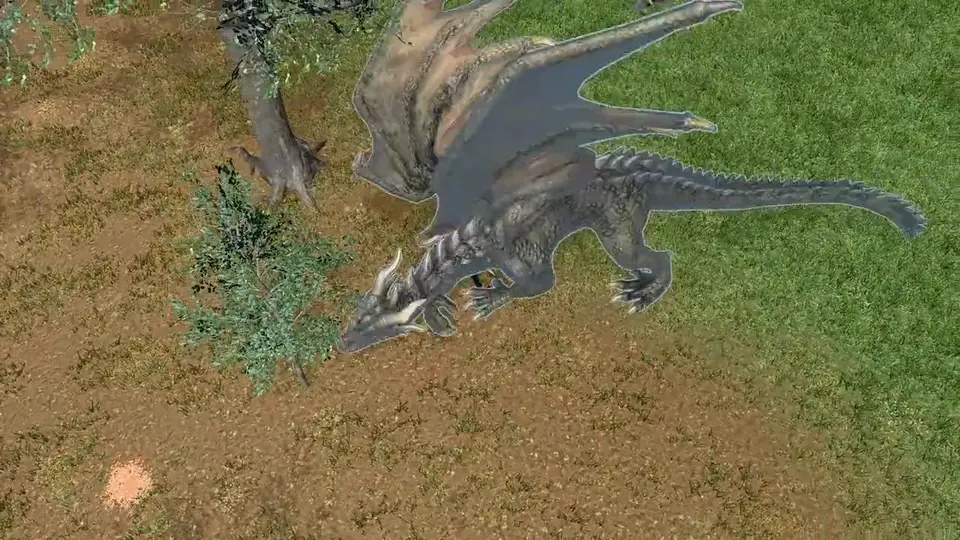
New here?
The first-day tutorial walks you through it in the game, one step at a time: moving, your gear, the bank, techniques and spells, a horse, your first fight, and what happens when you die. Every step has a short video and a narrator.
The screen
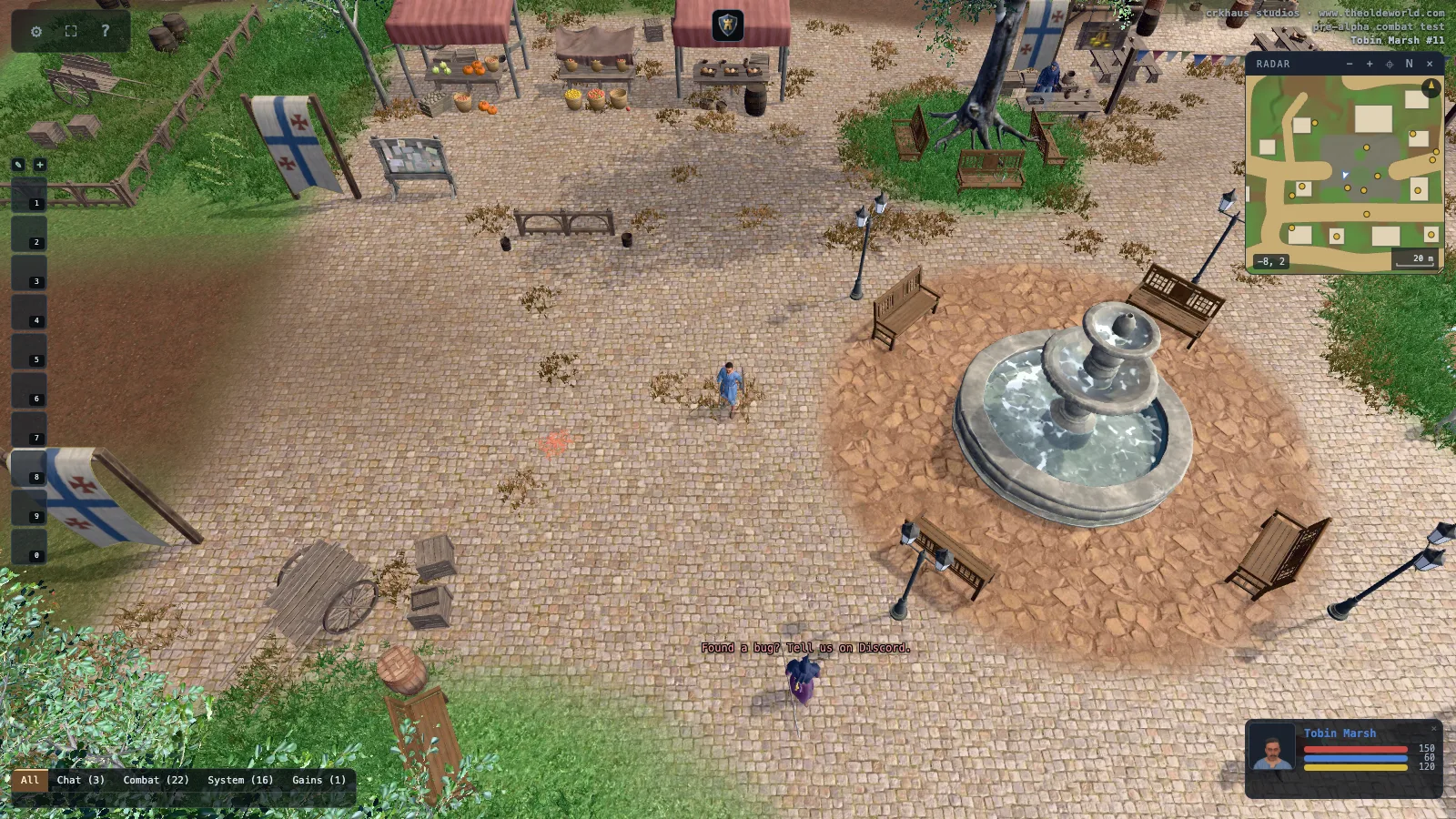
- The menu, fullscreen, and this guide
- Effects on you. Hover one to read it.
- The radar. Scroll on it to zoom out to the whole land.
- Hotbars. Drag spells, skills and potions onto them.
- You
- Master Weft, who sets your skills during the alpha
- Chat. The tabs split talk, combat and system lines.
- Your health, mana and stamina
Keys you will use most
- I
- backpack
- P
- paperdoll
- K
- skills
- B
- spellbook
- M
- radar map
- Tab
- war or peace
- Enter
- talk
- Ctrl + A
- show every name in view
Every key can be changed under Controls in the gear menu.